
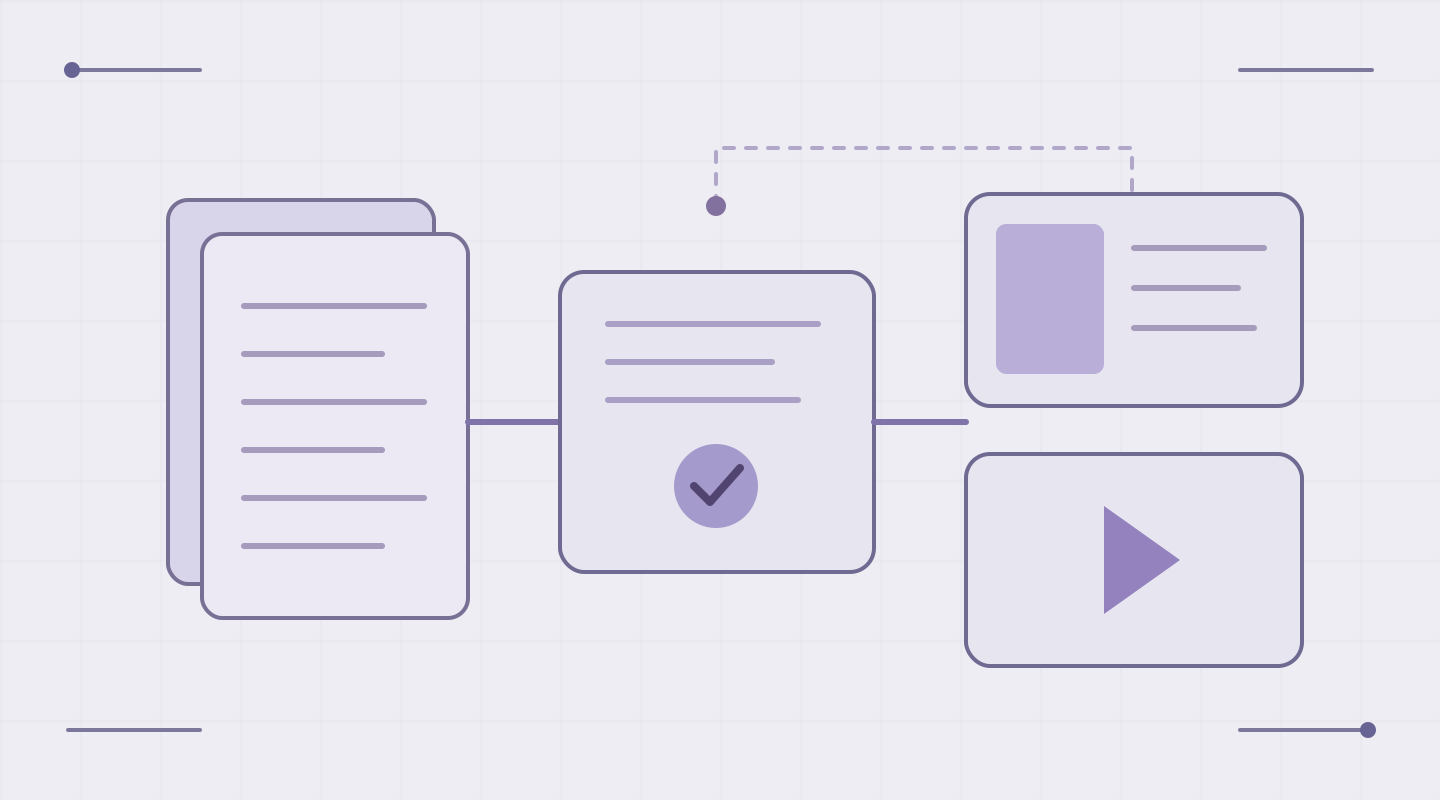
Google announced optional planning review for Gemini Notebook Slide Decks and Video Overviews on October 19. Users can steer the proposed structure before rendering. Cortist sees a useful intervention point, not automatic factual verification.
Source checked Oct 20, 2026 · Analysis by Cortist- The change introduces an optional review stage before rendering.
- Google announced a global rollout over the following week.
- An approved outline still needs factual and editorial checking.
The Signal
What changes in the creation flow
Google says users can start in chat, refine suggested topics and steer style and format. The Review toggle exposes outline notes for slides or producer notes for video, allowing feedback before selecting Proceed. Direct generation remains available. The company announced a global rollout over the week following October 19, so the announcement alone does not confirm access in every account. [1]
The useful distinction is between reviewing a proposed narrative and accepting a finished artifact. A polished output can make a weak argument harder to notice. A plan is easier to inspect for missing assumptions, the wrong audience or a conclusion that the supplied evidence cannot support. Whether this actually saves time needs to be measured in a real workflow.
Cortist has not tested the rollout or measured productivity gains. Our analysis below concerns how teams could use an explicit planning checkpoint well. It is a proposed editorial process, not a claim that the software enforces every check or provides the same controls in every environment.
The Shift
The expensive mistake can happen before the first slide
Imagine a team turning customer interviews into a leadership presentation. A visually convincing deck could still organize everything around the most memorable complaint rather than the most representative finding. If reviewers only see the final slides, they may spend their time changing labels and colors while leaving the central interpretation untouched. Reviewing the proposed argument first creates an opportunity to challenge that framing.
A useful brief should identify the audience, the decision the material supports and the evidence available. Those are separate inputs. An update for an internal project team may need unresolved issues and implementation detail; a public explainer may need definitions and carefully qualified claims. Asking for a professional presentation does not resolve those editorial choices.
Better control does not remove the need for verification
A source can be incomplete, outdated or inappropriate for the claim being made. A generated narrative can also overstate what several individually correct facts establish together. Cortist’s suggested review therefore checks both the evidence and the connection between evidence and conclusion. A slide that accurately repeats a number can still mislead if its comparison period or denominator is absent.
This is particularly relevant when a visual format compresses nuance. A short label, a large statistic or a dramatic scene can imply certainty that the underlying material does not contain. Teams should decide which caveats belong in the main message, which belong in supporting notes and which unresolved points should prevent publication. That is an editorial judgment, not simply a formatting preference.
The Cortist Lens
Stage one: define the question and the evidence boundary
Before generation, write one sentence describing what the audience should understand or decide. Then identify the source set and the claims it can support. Keep research gaps visible. If a document contains an estimate, retain that status in the brief; if two sources disagree, ask for the disagreement to be represented rather than silently averaged into a confident answer.
For example, an internal product update might ask whether a pilot should expand. A useful evidence set would distinguish observed usage, participant feedback, unresolved failures and the assumptions behind the next phase. The prompt should not ask the system to prove that expansion is the right answer before the evidence has been assessed. This example is a suggested working method, not a description of a Google template.
Stage two: review the logic before the visuals
At the planning checkpoint, read the proposed sequence as an argument. Does the opening establish the question? Does each section contribute evidence or explain a consequence? Does the conclusion follow from what comes before it? Remove sections that repeat a message without adding information, and restore limitations that disappeared when the sources were condensed.
Give feedback in terms of an observable change. Replace a vague request to make the material stronger with a specific instruction: separate measured results from estimates, introduce the comparison baseline before the chart, or move an unresolved question next to the claim it limits. This makes the next review easier because the reviewer can check whether the requested change actually happened.
Stage three: inspect the artifact as a new editorial object
Approving a plan should start the final review, not end it. Check names, dates, units, quotations and numerical relationships against the supplied evidence. Inspect charts for understandable labels and appropriate scales. For video, review the relationship between spoken explanation and imagery, including whether the sequence introduces implications that were absent from the original plan.
Then perform an audience check. Ask a colleague who did not write the brief to explain the main conclusion and its limitations after viewing the output. If their interpretation differs from the intended message, revise the artifact. The objective is not simply to make every slide attractive; it is to make the audience’s understanding more accurate.
Measure the result in accepted work
Teams evaluating the new workflow should count the time spent preparing sources, reviewing the plan, correcting the output and obtaining final approval. Record how many substantive errors remain, not just how quickly a first draft appears. A generation step that takes longer could still reduce total rework; a faster first pass could do the opposite. Neither outcome should be assumed without observation.
A review checklist for AI slides and videos
Cortist’s editorial framework. These checks are responsibilities for the team, not automatic product guarantees.
| Checkpoint | Question to resolve |
|---|---|
| Before generation | What decision or understanding should the audience leave with? |
| At the plan | Does the structure preserve the evidence, uncertainty and intended audience? |
| After rendering | Are the words, numbers, visuals and implied conclusions accurate together? |
| Before sharing | Has an accountable reviewer accepted the complete artifact? |
Questions that matter
Does reviewing the outline guarantee factual accuracy?
No. An outline is a plan, and approval of its structure cannot verify every statement in the final output. Check the resulting artifact against the evidence, including numbers, attribution and visual implications. Keep a clear owner for the final editorial decision.
Who benefits most from a planning checkpoint?
In Cortist’s assessment, teams with a defined audience and consequential message have the clearest reason to use one. Examples include research summaries, executive updates and learning material. The benefit depends on whether reviewers challenge the argument while it is still easy to change.
How should a team judge whether the workflow is better?
Compare complete delivery cycles for similar assignments. Count preparation, review, corrections and approval time, then assess whether the audience understood the intended conclusion. First-draft speed alone is too narrow a measure when the goal is usable, accurate communication.
Watch for access in real accounts, evidence that feedback survives into the final artifact and workflow studies that measure corrections as well as generation speed. The useful outcome is a presentation or video that communicates the right argument with less total rework.
The strongest AI interface may be the one that makes a consequential decision visible early. A reviewable plan gives the user a place to exercise judgment. Its value depends on the quality of that judgment and on checking the artifact that follows.
Source & editorial note
Cortist is an early-stage, AI-assisted editorial project. This analysis draws on the primary source below. The Signal attributes the reporting; The Shift, The Cortist Lens and the practical frameworks contain our interpretation. Company measurements and planned actions remain claims or intentions, not independently verified experimental results.
Google · Viraj Doshi and Shan WangHow to shape your slides and videos with Gemini Notebook · Oct 19, 2026